Family & Group Photos
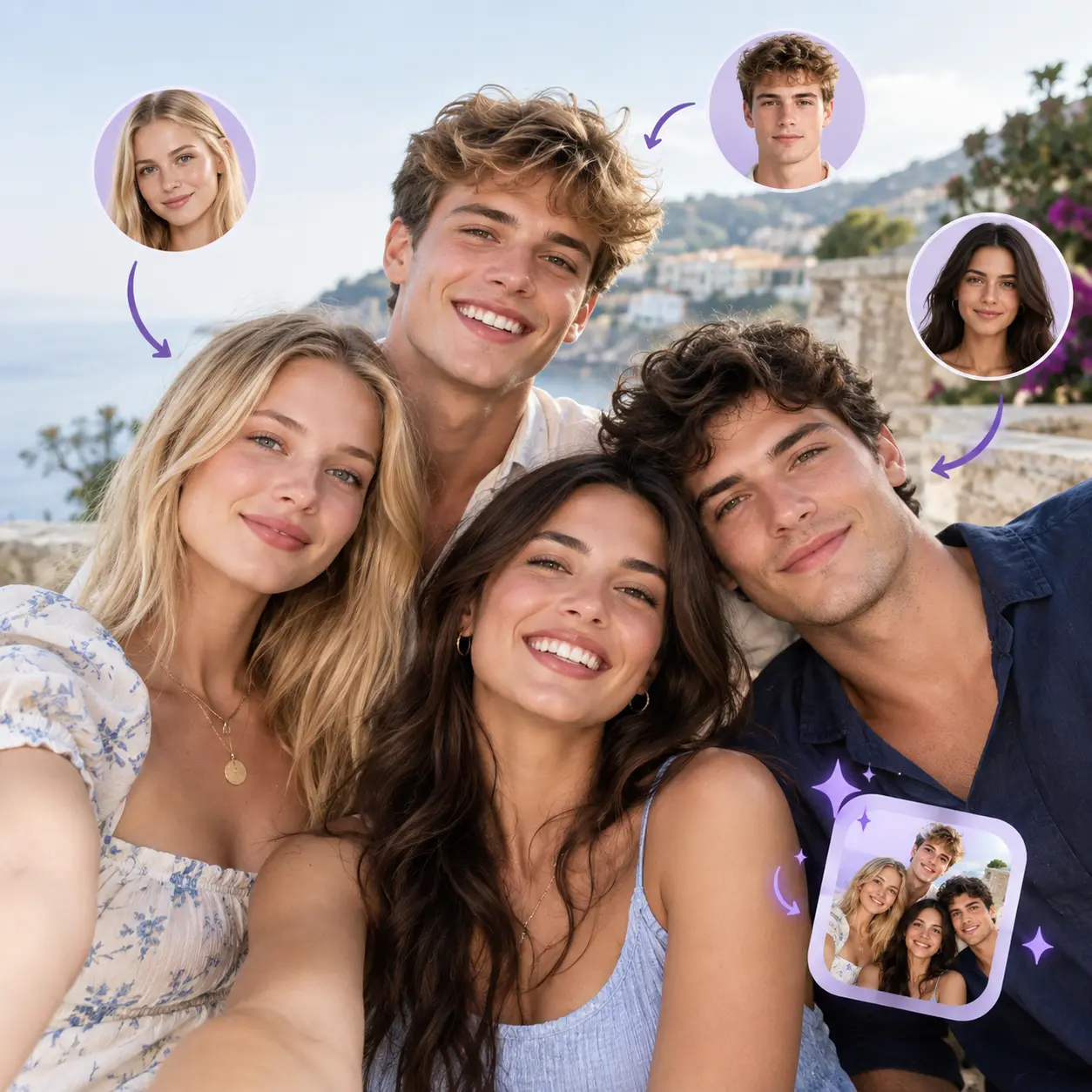
Create playful variations of photos with friends and family. Swap one face or several, and keep the group composition you already like.

Face Swap
Video Tools
Image Tools
No faces detected yet
Upload a media file in Step 1 to detect faces automatically
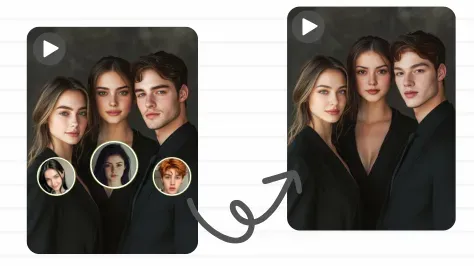
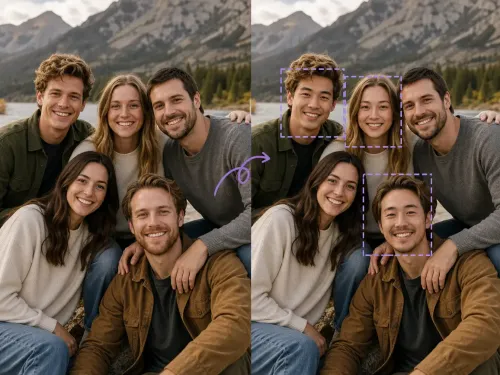
An AI multiple face swap gives each person a different face instead of copying one face onto everyone, all in a single run.
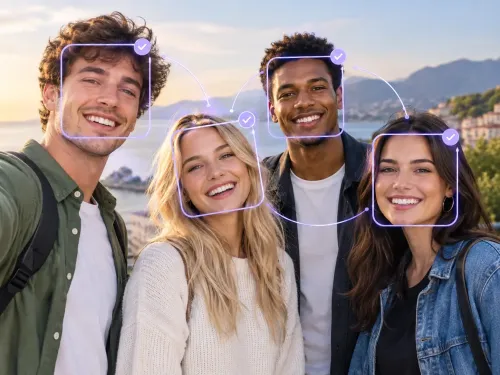
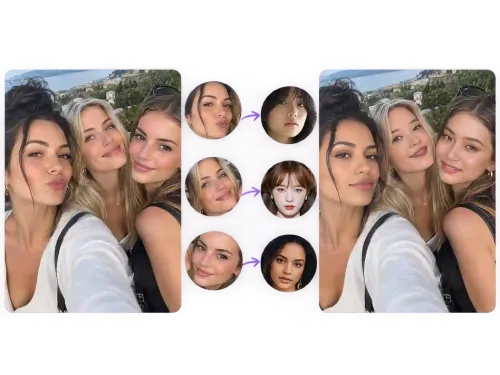
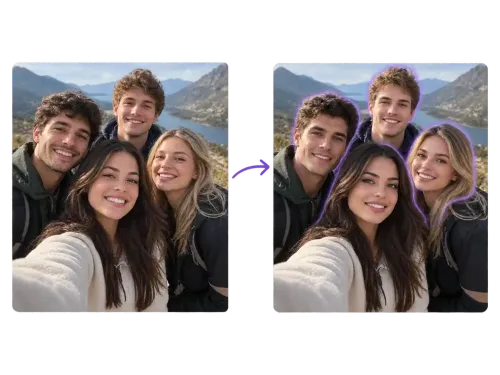
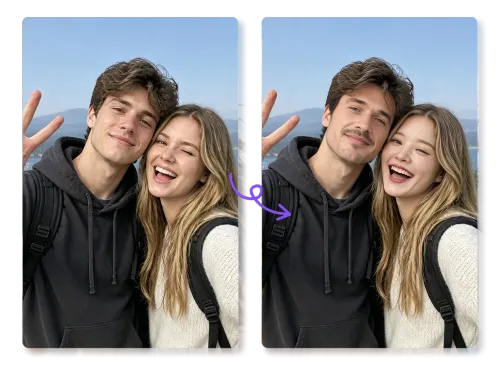
Because every face can be matched separately, AI multiple face swap works for family pictures, team shots, memes, and any group image.
Create playful variations of photos with friends and family. Swap one face or several, and keep the group composition you already like.
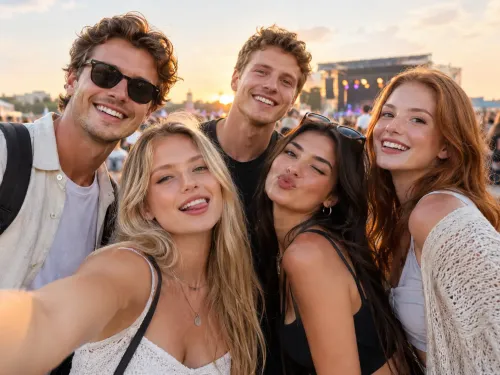
Work with team pictures, event photos, and other group portraits. Refresh an old team shot or make a light-hearted version for the team album — the whole lineup can be handled in a single AI multiple face swap run.
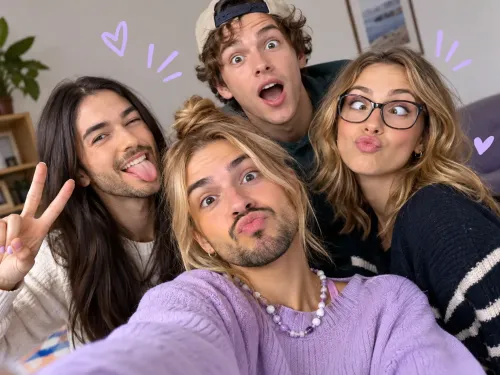
Turn a group image into a reaction picture or a running joke between friends. A group face swap gives you more combinations to play with than a single-face edit.
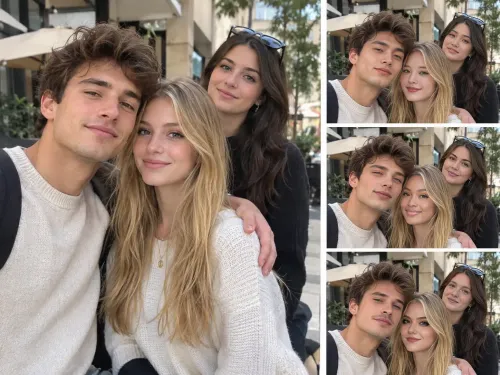
Try different face combinations in the same image while keeping the original scene, pose, and background intact — useful when you want variations without reshooting anything.
Built for pictures where several people share the frame, AI multiple face swap keeps individual matching at the center.
Nothing to install and nothing to download — everything runs in your browser, so a phone, tablet, or laptop is all you need for your first AI multiple face swap.
You decide who gets which replacement face. Different people can take different faces in the same run rather than everyone sharing one edit.
Rather than rebuilding the whole image, this tool starts from your own picture and keeps it as the visual base. That is why the result stays close to what the camera recorded.
Handling a group photo usually means layers, masks, and a lot of patience. Here you pair each face with its replacement and generate — no layer work, no manual cutting, and nothing to learn first.
Save your finished group photo with no branding on it, ready to send to the people in it or keep for yourself.
Uploaded photos are processed for the swap and then removed from our servers on a set schedule. We never sell your photos or use them to train AI models.
Edit a whole group photo online with a simple three-step AI multiple face swap workflow.
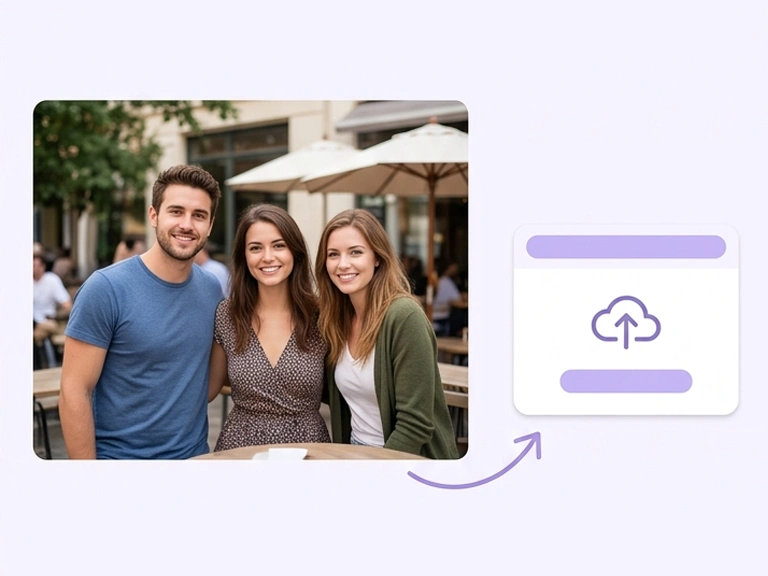
Choose a clear photo that contains two or more visible faces. Good lighting and faces that are not overlapping usually give the AI more to work with.
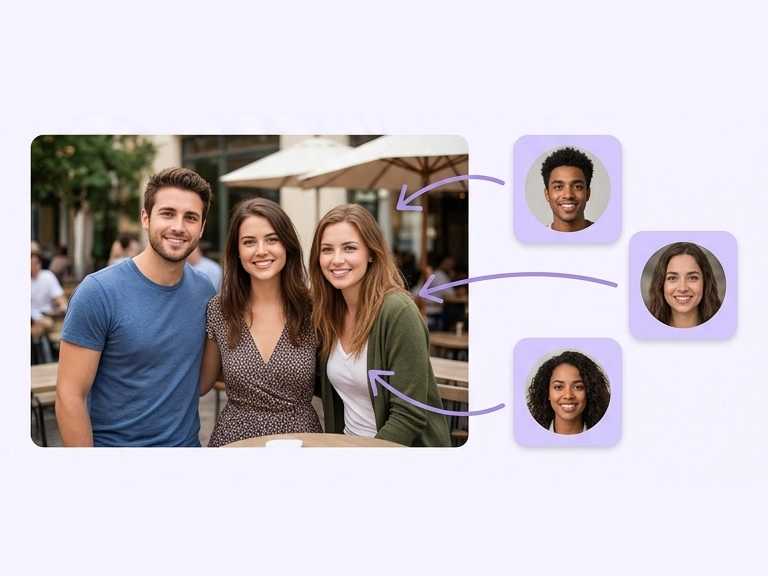
The faces in your photo are detected automatically. Upload a replacement face for each person you want to change and pair them up one by one. Before generating, double-check that every replacement sits with the right person.
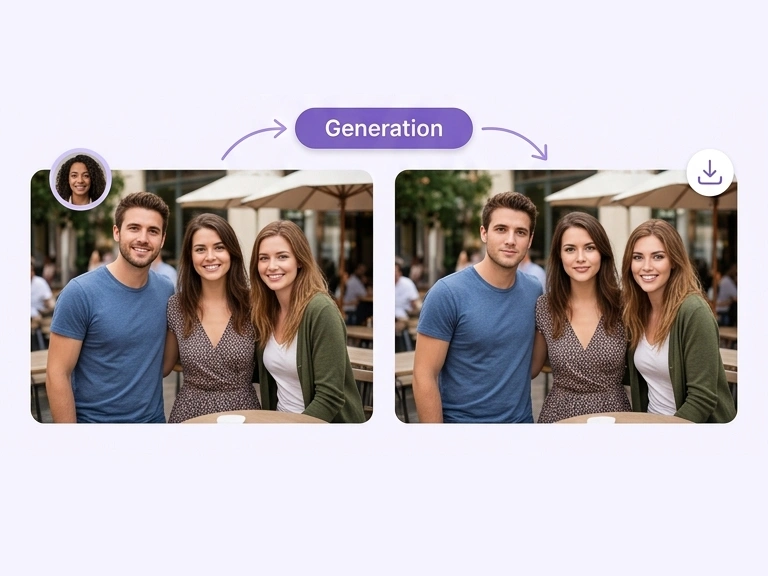
Start the swap and let the AI process your selected faces together. Check the result, then download the finished group photo — no watermark added.
See how people use AISaver when there is more than one person to edit — from reunion pictures to event shots.
I work with group photos constantly, and doing one face at a time was never worth it. Being able to give every person in the shot their own face, in a single run, changed how I plan my edits.
Content Creator
India
At events I shoot one group photo after another. Handling the faces in each frame without opening a separate edit for every person is the part that changed my turnaround.

Event Photographer
United Kingdom
We take one big family picture every year. Swapping a few faces between the versions we shot gave us something much funnier than the original, and the background was untouched.

Family Photo Organizer
Brazil
I work with group photos constantly, and doing one face at a time was never worth it. Being able to give every person in the shot their own face, in a single run, changed how I plan my edits.
Content Creator
India
At events I shoot one group photo after another. Handling the faces in each frame without opening a separate edit for every person is the part that changed my turnaround.
Event Photographer
United Kingdom
We take one big family picture every year. Swapping a few faces between the versions we shot gave us something much funnier than the original, and the background was untouched.
Family Photo Organizer
Brazil
Find answers to common questions about swapping multiple faces in a group photo, matching a different face to each person, and using AI on photos that contain a group.
Find answers to common questions about swapping multiple faces in a group photo, matching a different face to each person, and using AI on photos that contain a group.
Start with the tools built around AI multiple face swap, then move on to batch photos, video, and more.
 For Group Photos & Shared Moments
Upload a group photo and swap the faces you choose in one run, then download the finished shot — free to try.