Meme GIFs
Turn popular meme animations into custom face swap GIFs. Replace the original face with your own or a friend’s while keeping the recognizable movement and timing of the clip.

Face Swap
Video Tools
Image Tools
Swap faces in animated GIFs with AI. Upload a GIF and a face photo to create a smooth face swap GIF, free and with no watermark.
Replace a face in an animated GIF with AI while keeping the original motion and expressions. AISaver makes it easy to create a natural-looking face swap GIF online from a GIF and a face photo.
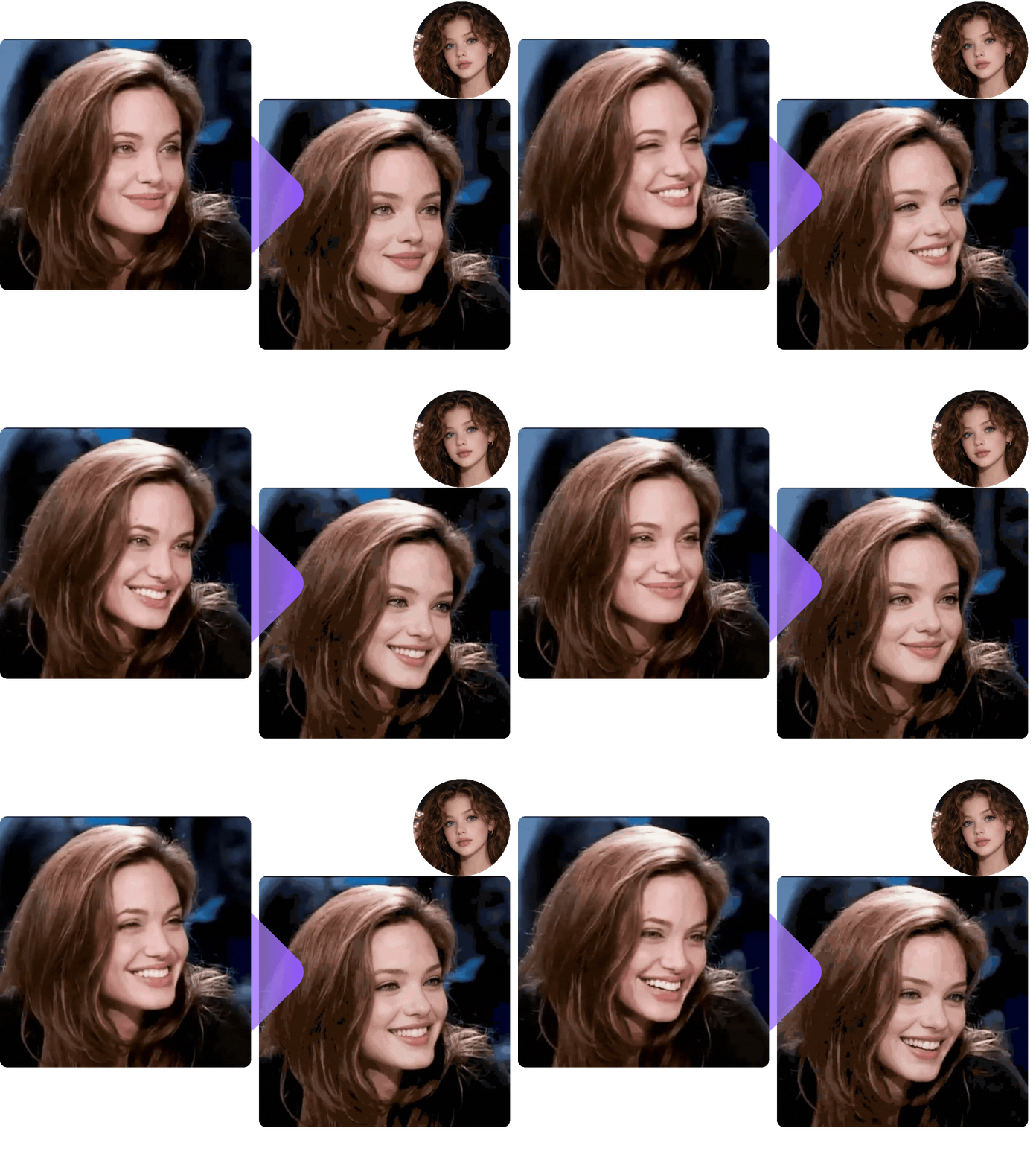
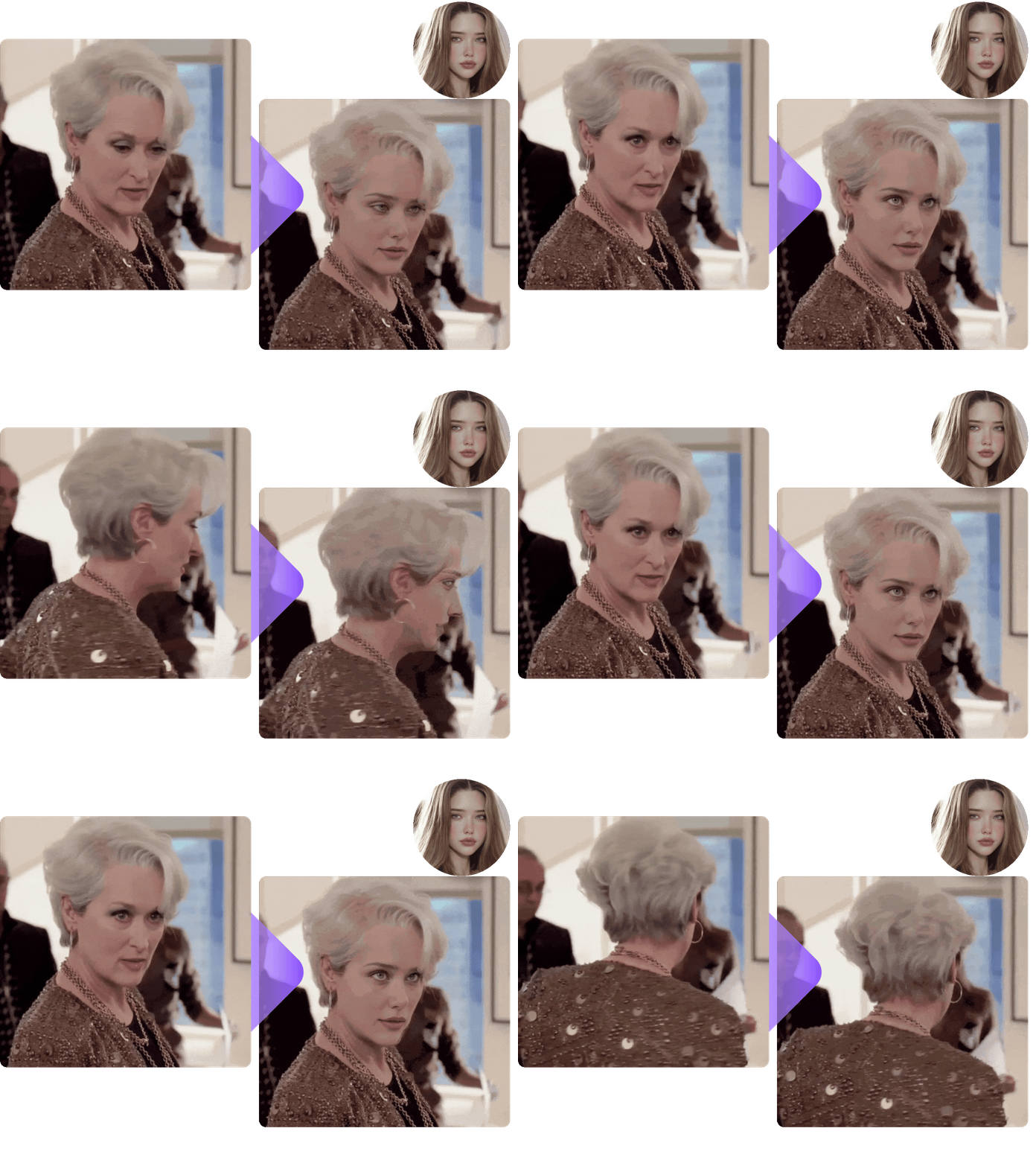

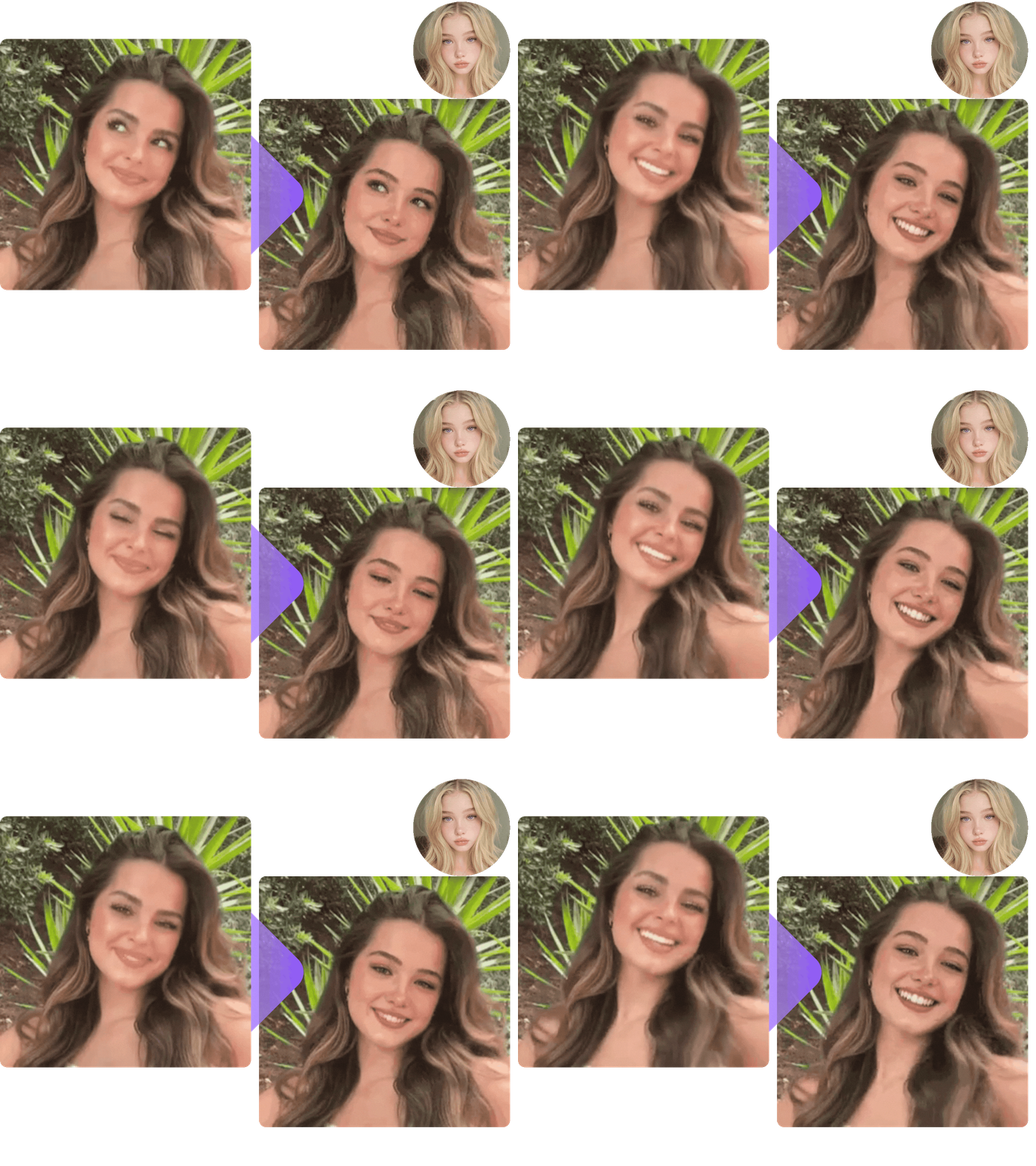
Looking for a free unlimited GIF face swap for reactions, memes, and everyday posts? Turn familiar animated clips into personalized GIFs you can share anywhere.
Turn popular meme animations into custom face swap GIFs. Replace the original face with your own or a friend’s while keeping the recognizable movement and timing of the clip.

Create short personalized animations for social posts and messages. A GIF face swap makes familiar clips feel personal and more likely to get shared.

Create playful face swap GIFs featuring friends and family. A familiar face can turn an ordinary animated reaction into something much more personal, perfect for group chats and inside jokes.

Add a familiar face to an animated character or movie-inspired clip. GIF face swap makes it easy to create transformations inspired by well-known scenes and share them right away.

Add familiar faces to birthday, holiday, or anniversary GIFs. A personalized face swap GIF often feels more memorable than a standard greeting card or static image.

Customize reaction GIFs for gaming groups, fan communities, and forums with faces that people instantly recognize, keeping everyday conversations lively.
Turn popular meme animations into custom face swap GIFs. Replace the original face with your own or a friend’s while keeping the recognizable movement and timing of the clip.
Create short personalized animations for social posts and messages. A GIF face swap makes familiar clips feel personal and more likely to get shared.
Create playful face swap GIFs featuring friends and family. A familiar face can turn an ordinary animated reaction into something much more personal, perfect for group chats and inside jokes.
Add a familiar face to an animated character or movie-inspired clip. GIF face swap makes it easy to create transformations inspired by well-known scenes and share them right away.
Add familiar faces to birthday, holiday, or anniversary GIFs. A personalized face swap GIF often feels more memorable than a standard greeting card or static image.
Customize reaction GIFs for gaming groups, fan communities, and forums with faces that people instantly recognize, keeping everyday conversations lively.
Most face swap tools are designed for still photos. AISaver is built for animation, where the same face has to hold up across an entire clip.
Facial landmarks are detected in both the GIF and your uploaded photo, so the replacement locks onto the right face instead of drifting.
Every frame of the AI GIF face swap stays visually consistent, so the animation looks smoother and more natural.
Uploaded files are used only to generate your GIF, and the full details on how they are stored and handled are documented in the privacy policy.
Create a GIF face swap in your browser on a desktop, laptop, tablet, or phone, with no software to install.
Clips saved from messaging apps, social platforms, and GIF libraries can all be used as a starting point, so your choice of source GIF is effectively unlimited.
Every face swap GIF is exported without a watermark, so your result is ready to post or send as soon as processing finishes.
A good source photo and a clear GIF can make AI face swapping more accurate and natural.
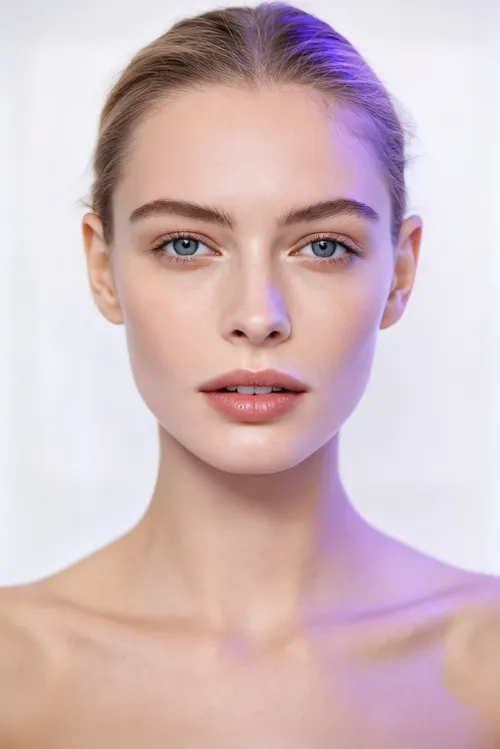
Use a sharp photo where the face is clearly visible. Front-facing or slightly angled portraits with good lighting usually give the AI more facial detail to work with.

A GIF face swap works best when the target face stays visible for most of the animation. Heavy cropping or frequent obstructions can make face tracking more difficult.
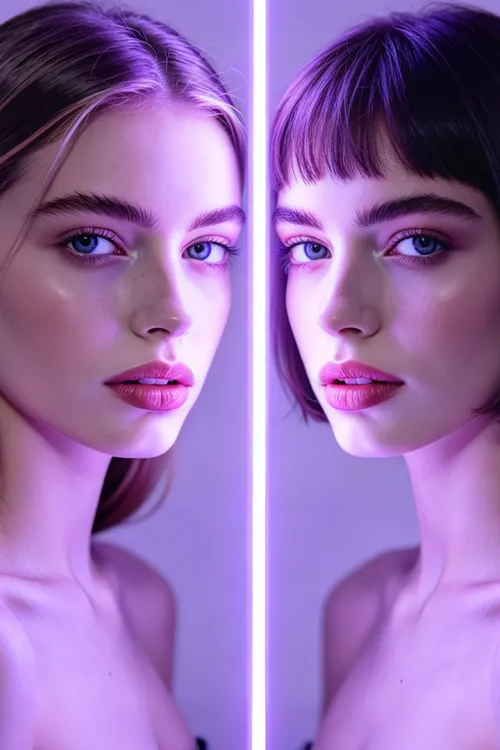
A source photo with a similar angle and expression to the face in the GIF usually produces a more convincing face swap and a smoother visual transition.
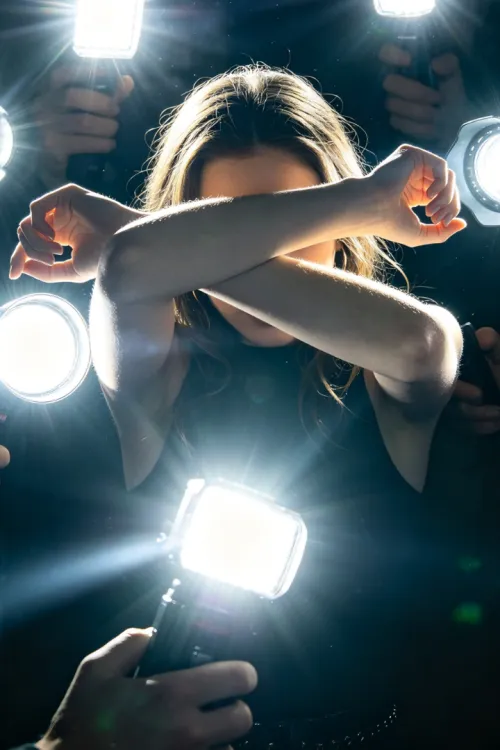
Strong motion blur, flashing effects, objects covering the face, or very rapid movement can make GIF face swap tracking less reliable.
Use a sharp photo where the face is clearly visible. Front-facing or slightly angled portraits with good lighting usually give the AI more facial detail to work with.
A GIF face swap works best when the target face stays visible for most of the animation. Heavy cropping or frequent obstructions can make face tracking more difficult.
A source photo with a similar angle and expression to the face in the GIF usually produces a more convincing face swap and a smoother visual transition.
Strong motion blur, flashing effects, objects covering the face, or very rapid movement can make GIF face swap tracking less reliable.
Create a personalized face swap GIF in three simple steps.
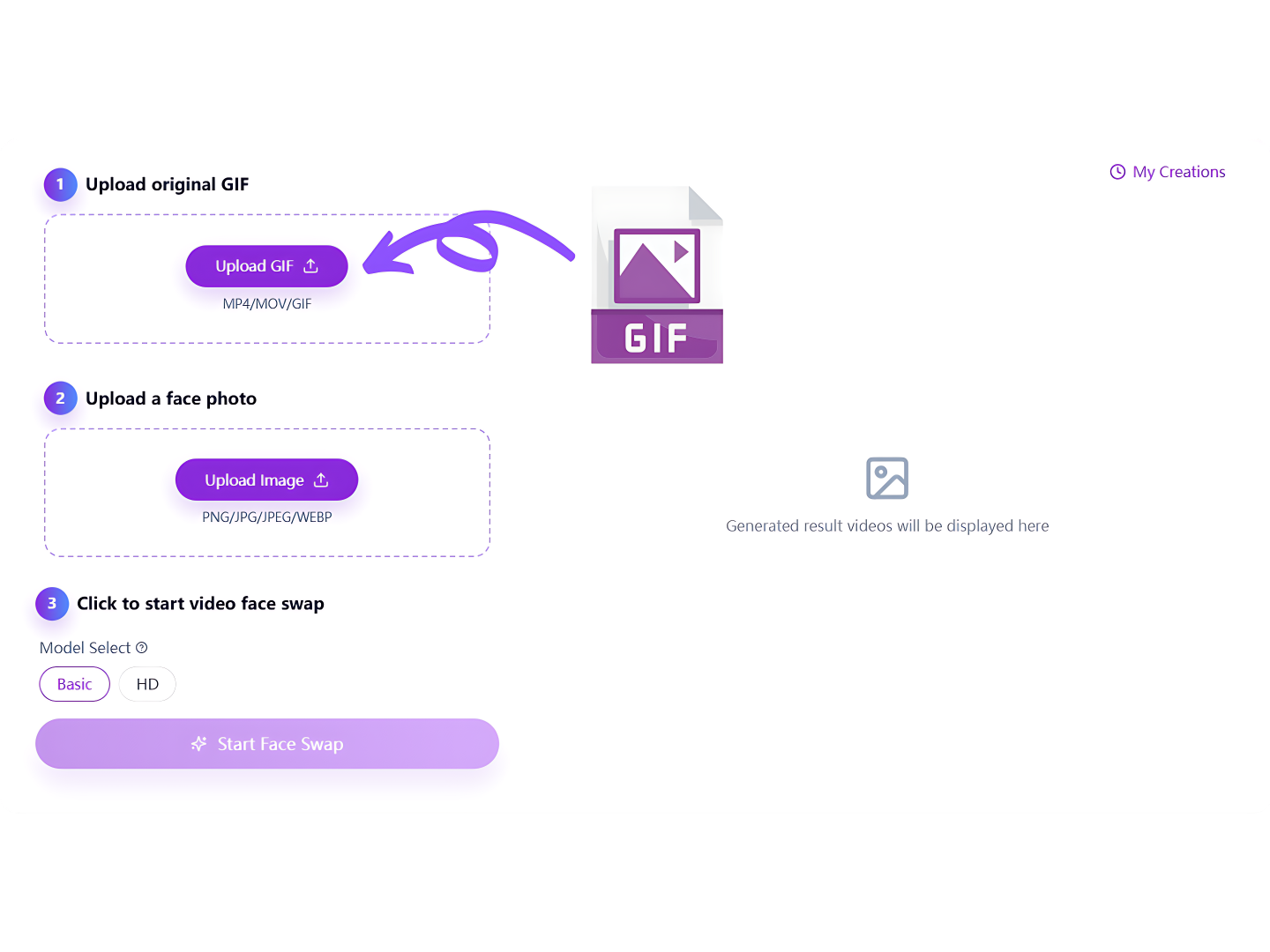
Choose the animated GIF you want to edit, then upload a clear face photo with visible facial features.
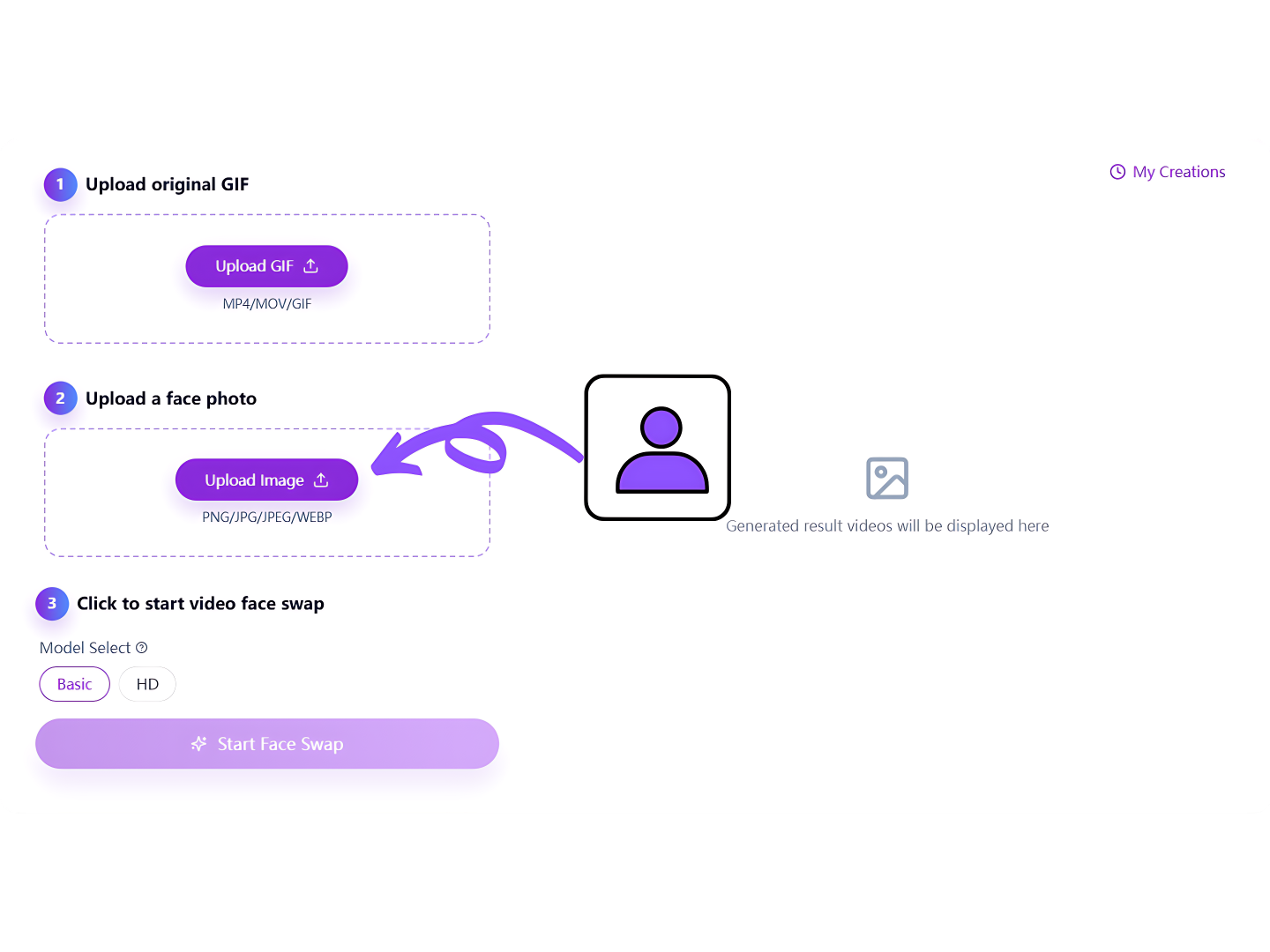
AISaver detects the face and runs the AI GIF face swap across every frame, following the original movement of the animation.
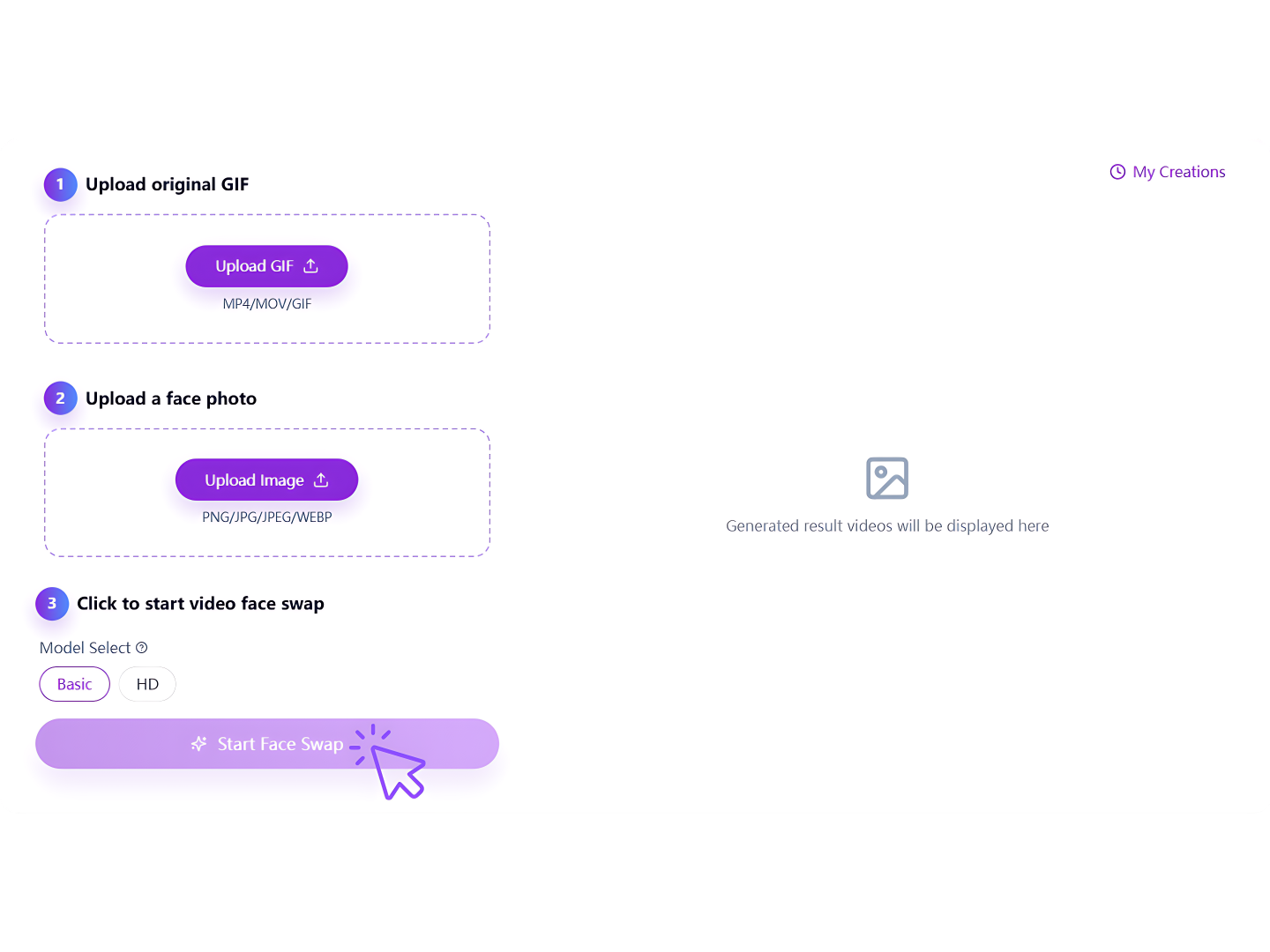
Preview the finished animation, download your face swap GIF, and share it in chats, social posts, or online communities.
Everything you need to know before creating your first face swap GIF.
Everything you need to know before creating your first face swap GIF.
Explore more AISaver tools for creating and editing images, videos, and face swaps.

Turn an ordinary animated GIF into a personalized AI face swap GIF with smart face tracking and natural-looking results.